


The Typo3 content management system proved to be a very good solution for building a large-scale portal system. We configured it to handle six independent domains, and its advanced user rights grouping capabilities allowed individual sections and tasks to be assigned to different office employees. Thanks to this, the portal can be updated simultaneously by multiple editors. The built-in editing tools allow for convenient management of portal content without the involvement of IT staff, who now have more time to focus on tasks that are strategically important to them.
System modules
The system can be divided into standard modules of the TYPO3 CMS content management system, such as:
- content management for subpages,
- news module,
- content search engine,
- newsletter,
- gallery.
as well as modules that were written or customized by us:
- e-card module,
- weather module,
- gallery bar module,
- textbook exchange module,
- educational institutions search module,
- events calendar module,
- office phone directory module,
- contact form module,
and others.
The content management system allows individual subpages of the website to be filled with content. Content can be entered via the RTE editor, which enables the editor to format text freely. A wide range of other content types is also available, such as a broad selection of multimedia that can be embedded in the content, as well as additional extensions. Additionally, we can define the time frame during which specific content is displayed, and manage translations of texts.
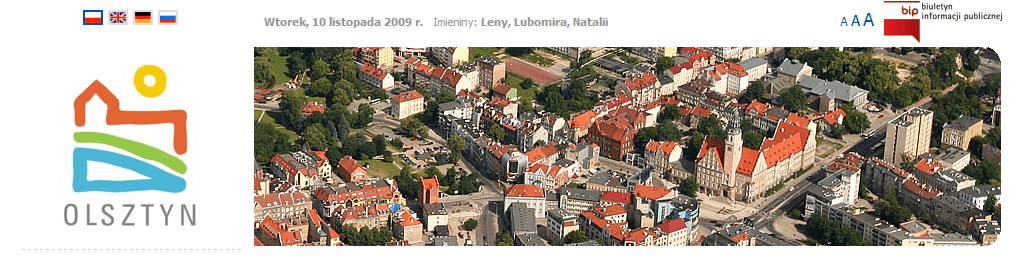
Random header image module
An algorithm was implemented on the site allowing a visual theme to be assigned to individual sections of the service. The algorithm searches for visual themes assigned to a given page and displays one, randomly selected. The images have no width restriction. As the width of the page increases, so does the visible area of the image, which is anchored to the right side of the page. During the development of the system, this module underwent changes. We overlaid various types of graphics onto the loaded panoramas. Ultimately, only the rounded corners on the right side remained.
Additionally, we implemented a separate module displaying a special banner to the visitor on their first visit to the site (and again half an hour after the last display). This allows less important information to be highlighted in a visible way, but if the visitor is not interested, we no longer take up valuable space at the top of the page.
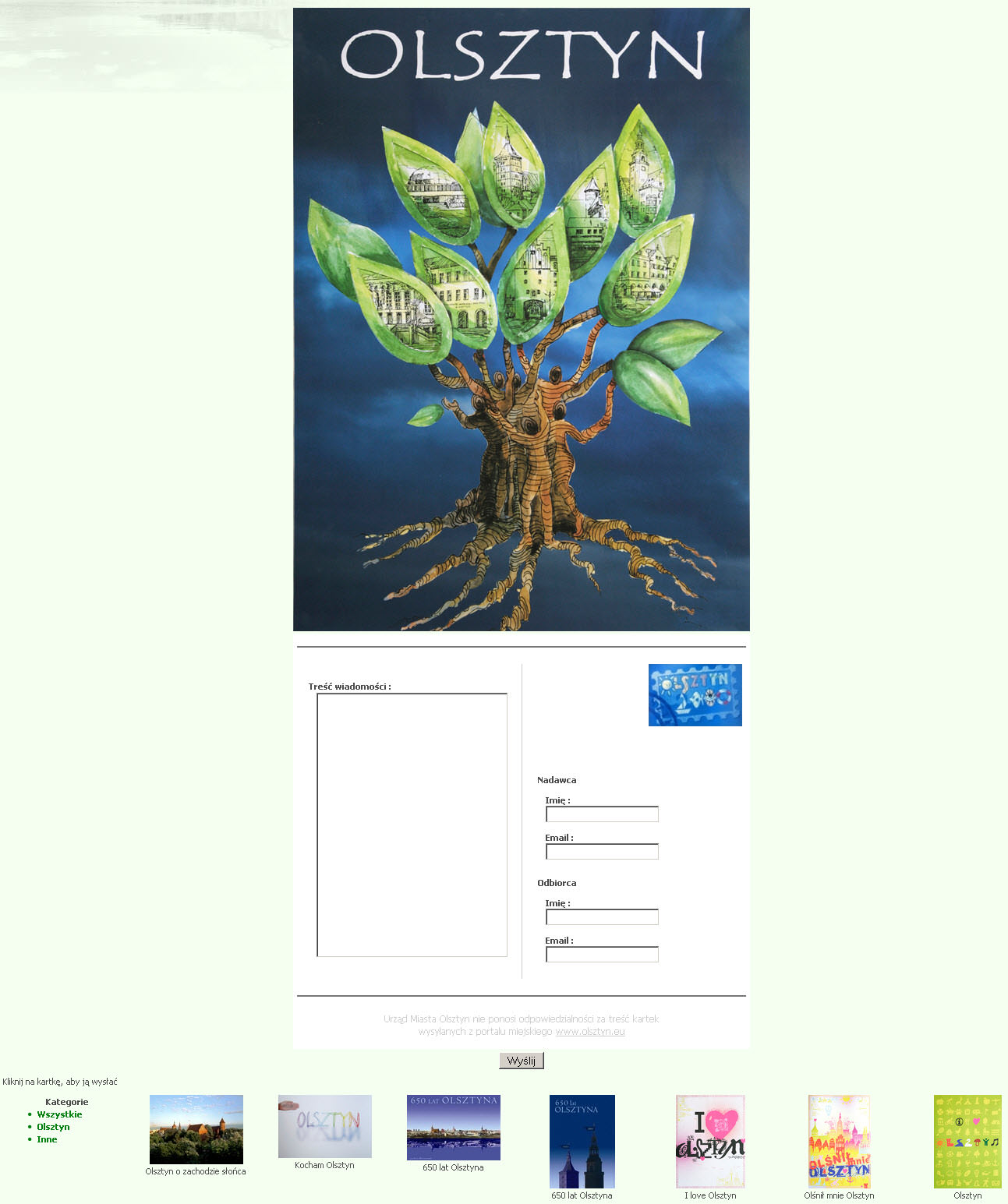
e-Cards
We created a module allowing anyone to send an E-card (electronic postcard). The user is presented with small preview images of the designs, along with a menu allowing them to browse cards by category. After clicking on a design, a form is displayed with a larger version of the design, along with fields graphically resembling the back of a postcard. After filling in and submitting the form, the recipient receives an email with a link to view the card, and the sender receives confirmation that the message was sent.
Administration of the cards involves adding a new image via the standard TYPO3 interface. It is also possible to view a list of sent cards, on which unopened cards are also visible.
Gallery bar
A simple bar built in Flash technology, scrolling through a list of the latest photos from the gallery. Hovering the mouse over the side arrow causes the photos to slide. The plugin requires no administration — it pulls data from the gallery assigned to the domain and can be placed on any page.
Additionally, we placed a bar with the logos of partners and companies important to the city in the local government section. When hovered over with the mouse, the animation smoothly changes speed — it can be paused briefly by positioning the mouse in the middle of the bar, or reversed by positioning it on the left side of the bar. When the mouse pointer leaves the bar, the animation smoothly returns to its normal slow scrolling. The partner's name appears above each logo, and clicking on any logo opens its website in a new window.
Textbooks market
A module allowing internet users to advertise the sale of used textbooks. The module includes a search engine. In the "price" field, users can also enter text data, for example "20 PLN, negotiable." This is a deliberate design choice to simplify the use of the module, leaving users a lot of freedom when it comes to exchanging books.
Education institutions search engine
We created a module allowing users to search for educational institutions in Olsztyn.
The search engine makes it possible to find schools not only based on data such as name and address, but also by the district to which a given address belongs. Districts are defined based on streets entered in the administrative section, using a list of Olsztyn's streets obtained from the City Hall. The module allows for the selection of individual streets, as well as individual house numbers on a given street.
Schools found can be viewed either as a list or on a map, together with the marked boundaries of their districts.
The administrative section allows for entering and browsing all educational institutions, along with data such as categories, governing bodies, headmasters/principals, etc., as well as marking on the map the exact location and the area covered by a given institution. It is also necessary to indicate which streets and house numbers correspond to a given district — unfortunately, it is not possible to automatically determine this information based on the area marked on the map.
The list of streets and numbers automatically consolidates the selected street numbers into ranges, or, if all numbers or none are selected, adds the entire street to the field with the selected addresses. This shortens the list and makes it easier to identify the selected ranges.
Events Calendar
We created a calendar allowing events related to Olsztyn to be entered. The module has a button allowing users to subscribe to events via RSS readers, showing a list of events taking place in the near future. Using the navigation buttons, it is possible to see on which days of a selected month events are taking place. Hovering the mouse over a chosen day shows which categories of events are taking place that day, and clicking on it takes the user to a page with a list of events for that day.
Event administration uses the standard TYPO3 interface, allowing events and categories to be added. Each event has a description, location, and time at which it takes place; additionally, it is possible to define the visibility of a given event — for example, so that it disappears a few days after the event, or only appears a few days before it.
Recommended links
At the bottom of every page there is a list of recommended links for a given section, divided into different categories. This allows visitors to become familiar with the most important subpages. This list can be set individually for each section via a simple TYPO3 interface. Additionally, the list of recommended links can differ for each language — for example, to better tailor it to the needs of tourists, or to draw the attention of foreign visitors to the information most important to them.
Subpage presentation in an expandable banner
This module allows a single subpage to be selected in order to increase its exposure. The selected subpage is initially displayed as a banner (showing only the top portion of its content), and upon clicking, it expands, overlaying the current page. Within this expandable frame, only the main content of the subpage is shown, without the side columns and additional features. This allows visitors to view the subpage without leaving the current one.
Evolution of the visual design
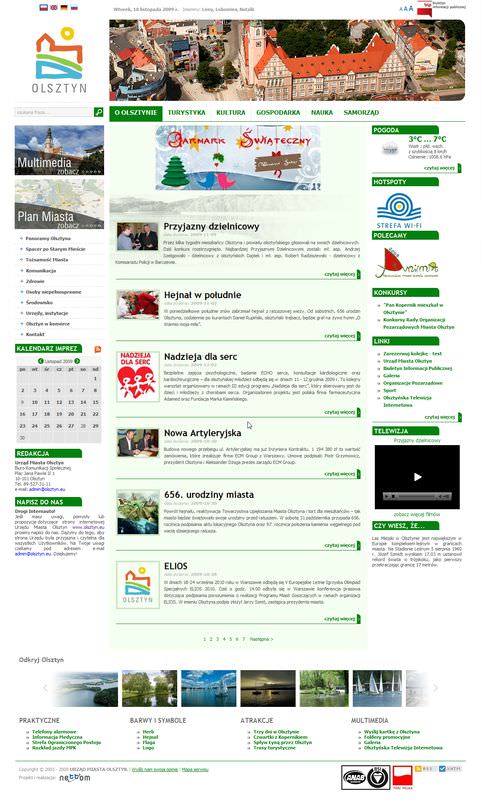
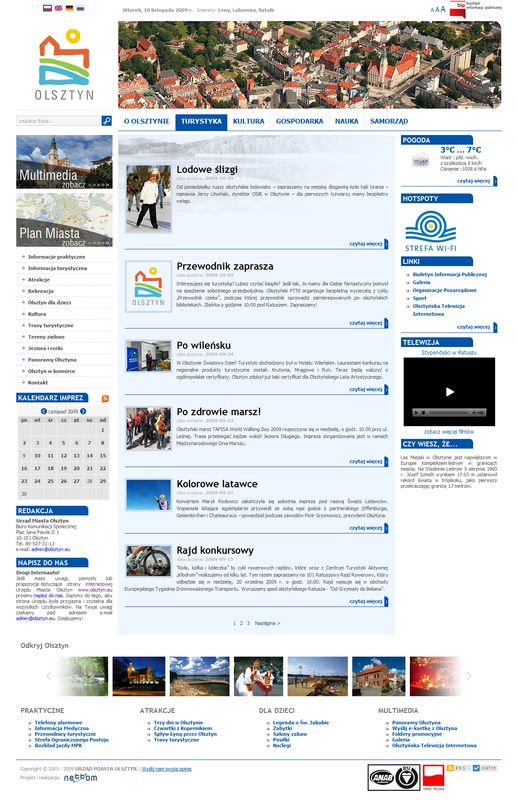
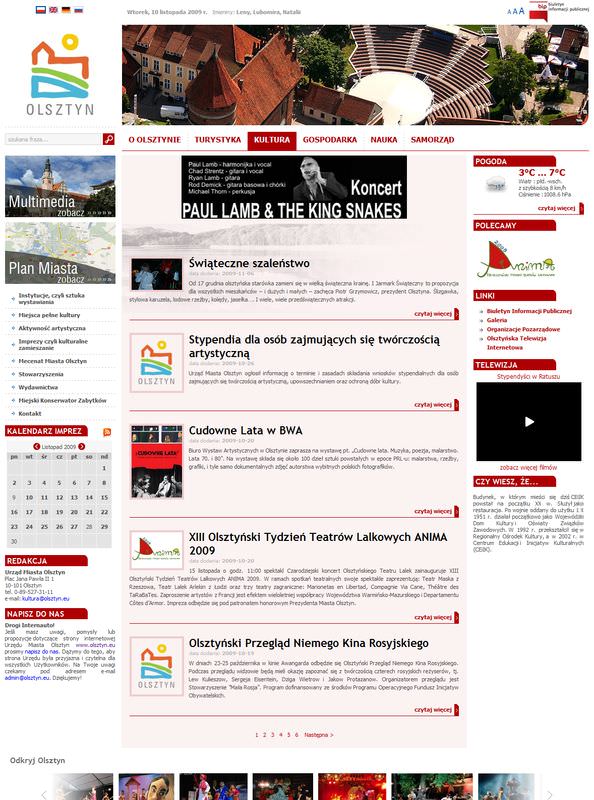
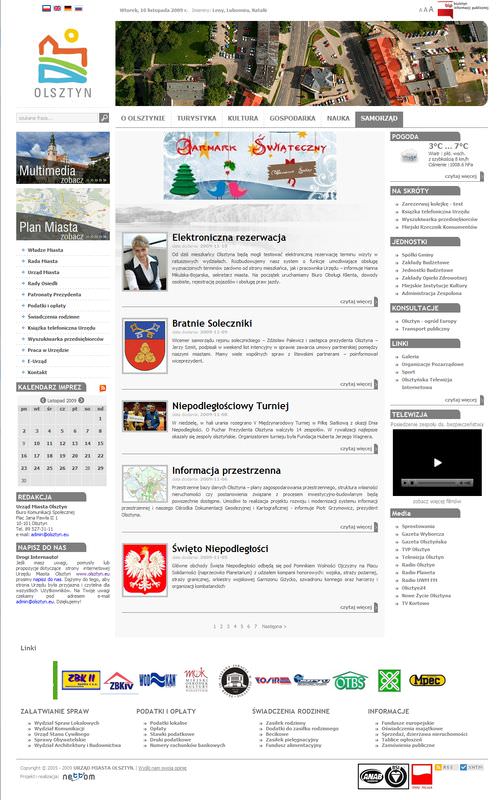
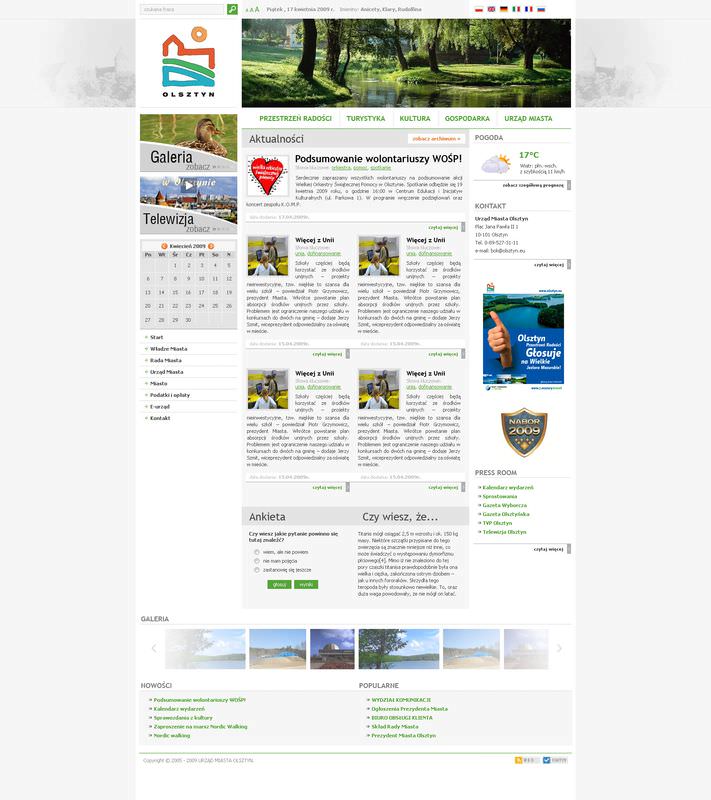
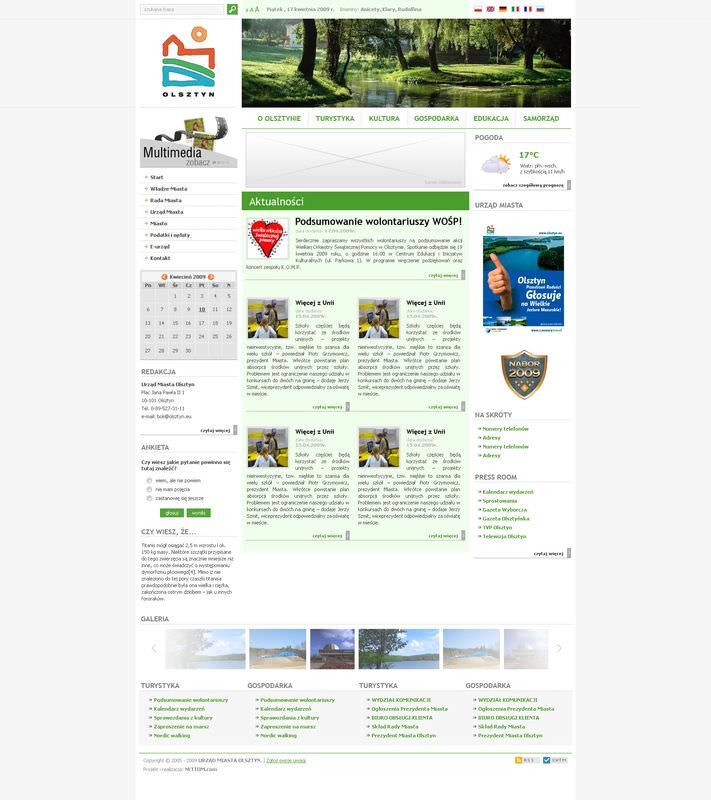
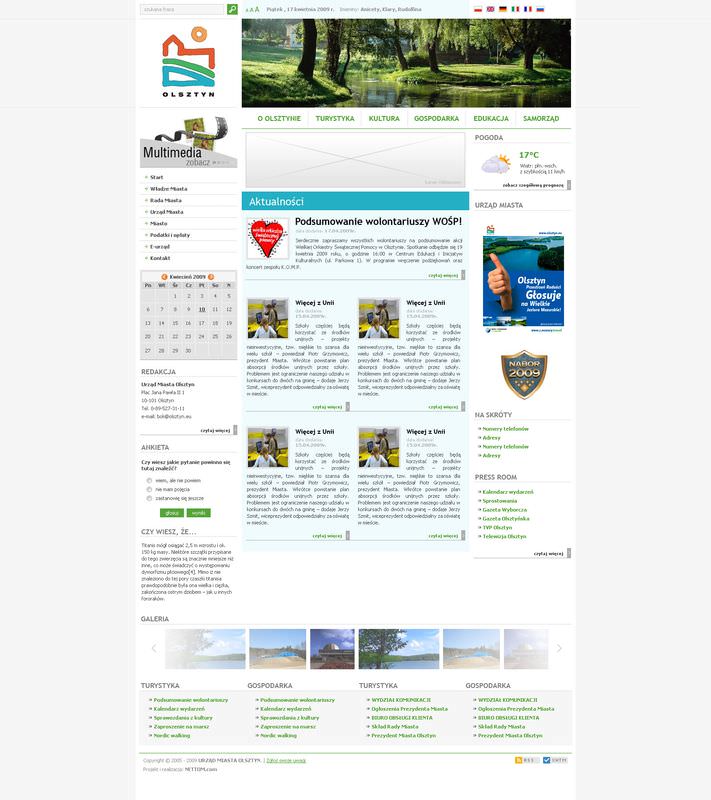
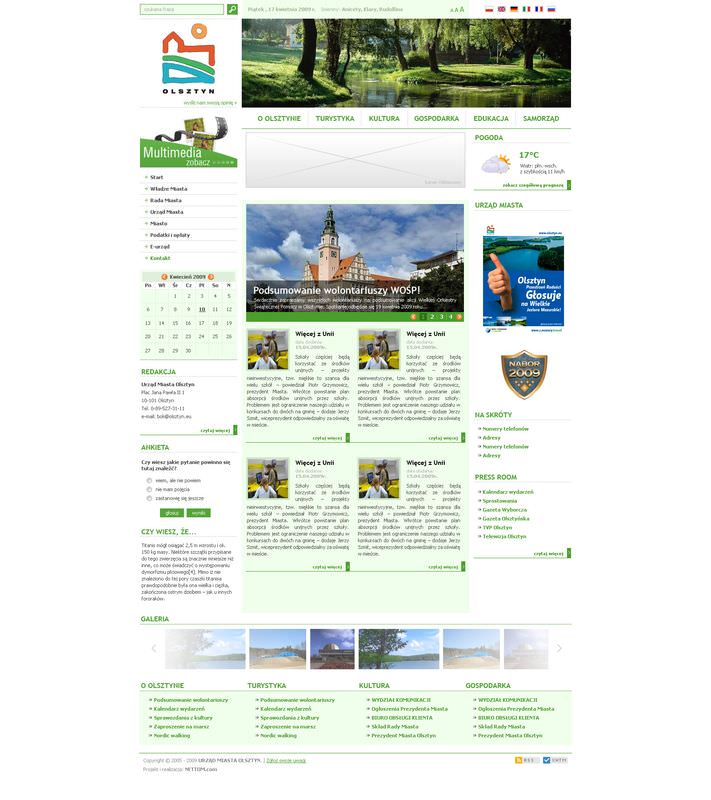
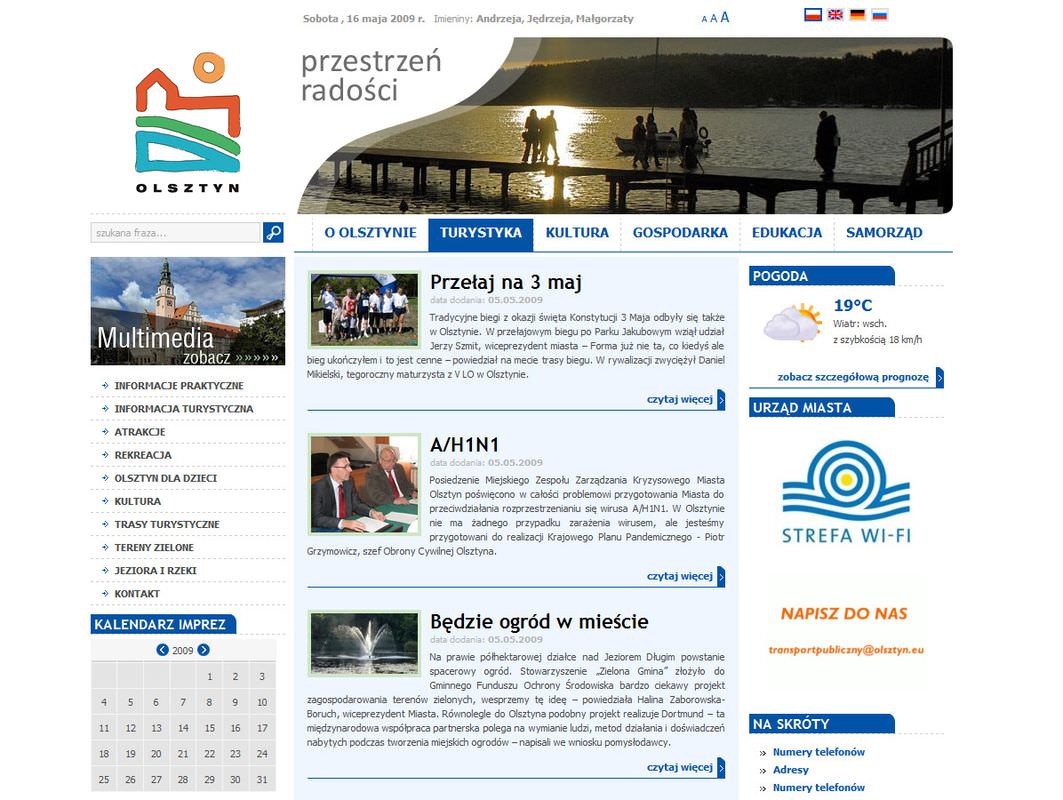
During the course of the project, we proposed a number of versions of the site's appearance: from graphics differing in color scheme, layout of elements and their details, to pages with fixed widths and pages that automatically expand. The city hall actively analyzed the proposals and provided feedback. The final result is the current appearance of the site. The layout is practically the same across all six domains. The only individual detail is the choice of base color.
Below are the graphics for the individual domains.


Please fill in the required fields.
Message sent.